

Scientific Calculator
Statistics Calculator
Enter numbers separated by commas, spaces or line breaks — the calculator returns the mean, median, mode and sample standard deviation.
Mean: 8.2
Median: 9
Mode: 10
Sample standard deviation: 2.49
Steps: sum = 41 ÷ 5 = mean; the sorted values give the median; squared deviations from the mean give the standard deviation.
Direct answer: Type or tap an expression and press = : the calculator evaluates arithmetic, powers, roots, percentages, and trig and log functions. Trigonometric functions use degrees by default — tap the DEG key to switch to radians. It also handles parentheses, factorials, and inverse trig functions.
How to use it
Basic: 2 + 3 × 4 = 14 (multiplication before addition, standard order of operations). Powers: 2^3 = 8, and x² squares a number. Roots: √(16) = 4. Percent: 50% = 0.5, so 200 × 50% = 100. Trig: sin(30) = 0.5, cos(60) = 0.5, tan(45) = 1 in degrees — tap the DEG key for radians. Inverse trig: sin⁻¹(0.5) = 30 undoes sin(30). Factorial: type 5 then n! to get 120. Logs: log(100) = 2 (base 10), ln(e) = 1 (natural log). Statistics: use the Statistics Calculator below the keypad for mean, median, mode and standard deviation.
Worked examples
Example 1: 2 + 3 × 4 = 14 — multiplication first, then addition.
Example 2: (2 + 3) × 4 = 20 — parentheses change the order.
Example 3: √(81) + 2^3 = 9 + 8 = 17.
Example 4: sin(30) = 0.5; log(1000) = 3, because 10³ = 1000.
Common mistakes
Forgetting the DEG/RAD mode: trig uses degrees by default, so sin(90) = 1 — tap the DEG key to switch to radians, where sin(90) ≈ 0.894. Also, a leading minus cannot sit directly before a power here: −2^2 returns an error, so wrap a negative base in parentheses — (−2)^2 = 4.
Frequently asked questions
Is this scientific calculator free?
Yes — it runs entirely in your browser, with no download, account, or signup.
Does it work on mobile? Yes — tap the on-screen keys; the layout adapts to small screens.
Can it switch between degrees and radians?
Yes — tap the DEG key on the keypad: trig and inverse trig functions switch to radians (the key shows RAD); tap it again to return to degrees.
Scientific Calculator: Trig and Statistics Deep Dive
A scientific calculator goes beyond + − × ÷: it handles trigonometry, logarithms, powers, roots and statistics. This deep dive shows how the trig calculator and statistics calculator functions work, with worked examples you can try on the calculator above.
1. Trigonometry: sin, cos and tan
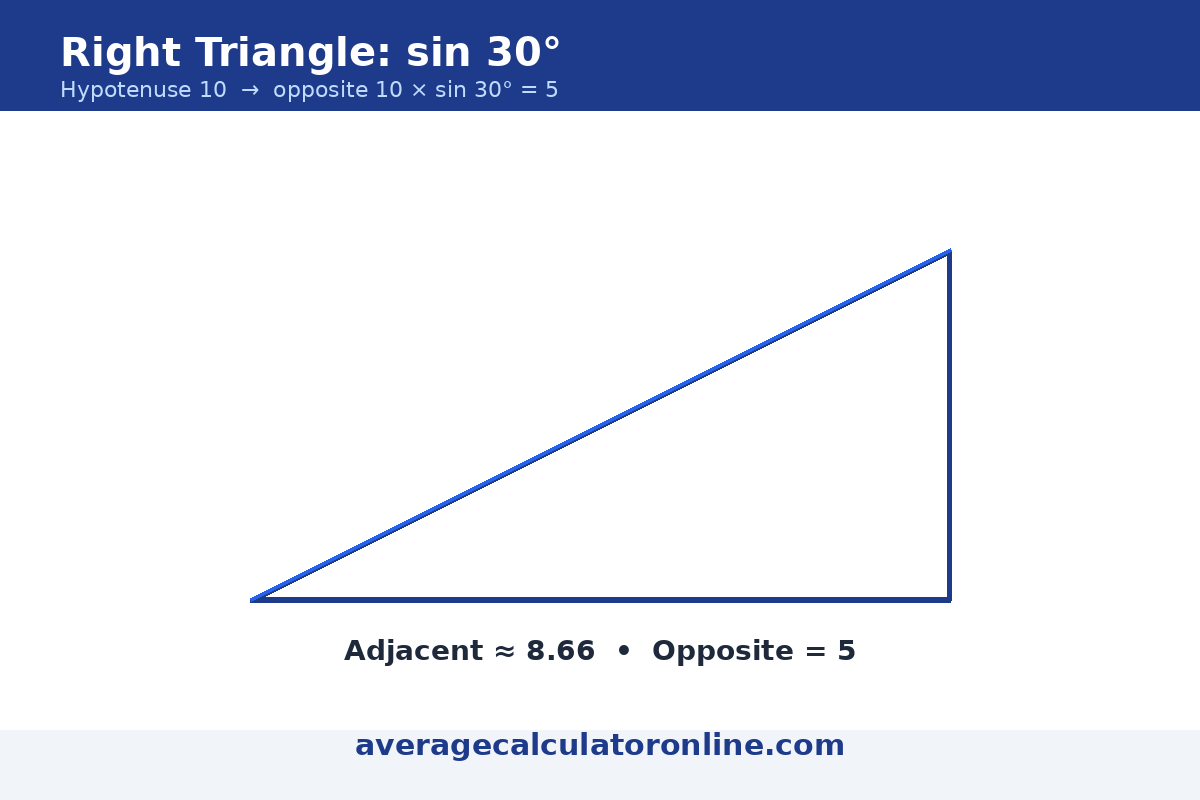
This trig calculator uses degrees by default — tap the DEG key to switch to radians: sin(30) = 0.5, cos(60) = 0.5, tan(45) = 1. That is the source of the classic mistake — in radians, sin(90) ≈ 0.894, but here sin(90) = 1. For a right triangle with a 30° angle and hypotenuse 10, the opposite side is 10 × sin(30°) = 5, and the adjacent side is 10 × cos(30°) ≈ 8.66.
Try the new keys above: tap DEG to switch to RAD, then sin(1.5708) ≈ 1 — the same angle as sin(90) in degrees. The inverse keys undo the trig functions: sin⁻¹(0.5) = 30, cos⁻¹(0.5) = 60 and tan⁻¹(1) = 45 in degrees.
2. Statistics: Mean, Median and Mode
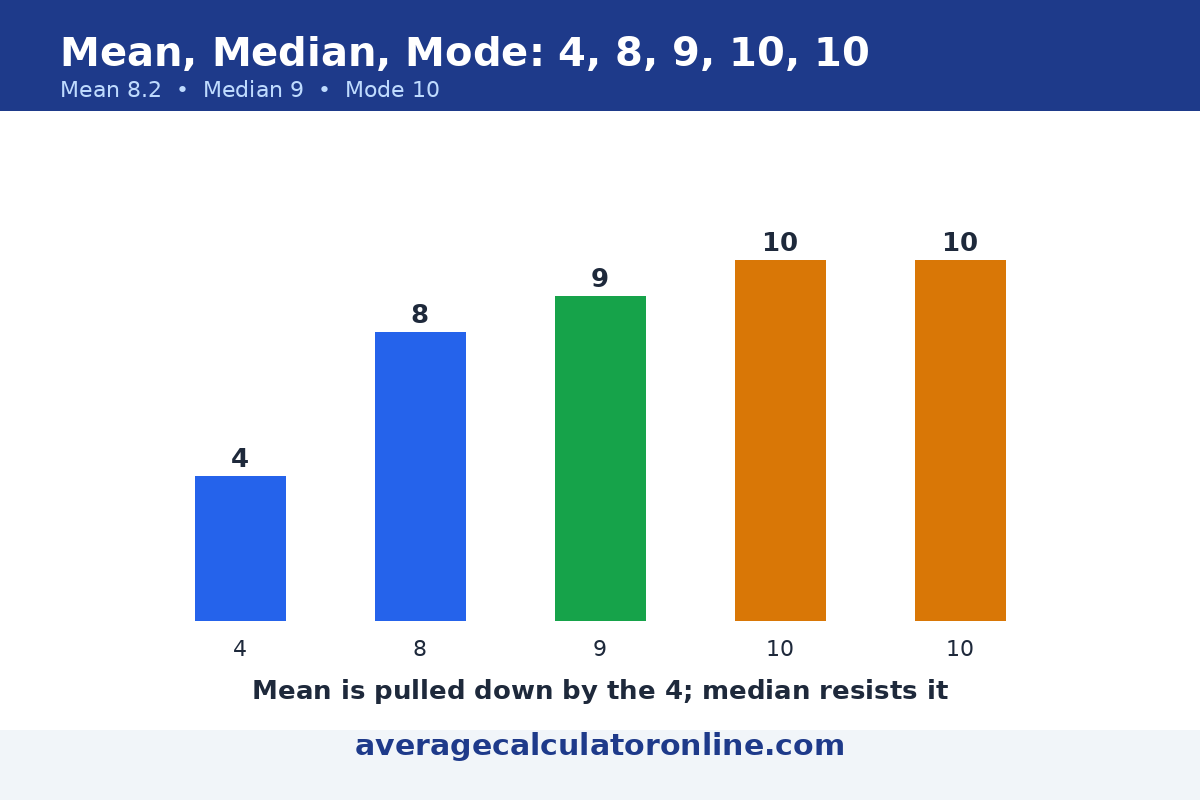
The statistics calculator trio describes any data set. Take the scores 4, 8, 9, 10, 10: the mean is (4+8+9+10+10) ÷ 5 = 41 ÷ 5 = 8.2; the median is the middle value when sorted, 9; the mode is the most frequent value, 10. The mean is pulled by outliers; the median resists them.
Try it above with the Statistics Calculator: enter 4, 8, 9, 10, 10 to get the mean (8.2), median (9), mode (10) and the sample standard deviation.
3. Powers, Roots and Logarithms
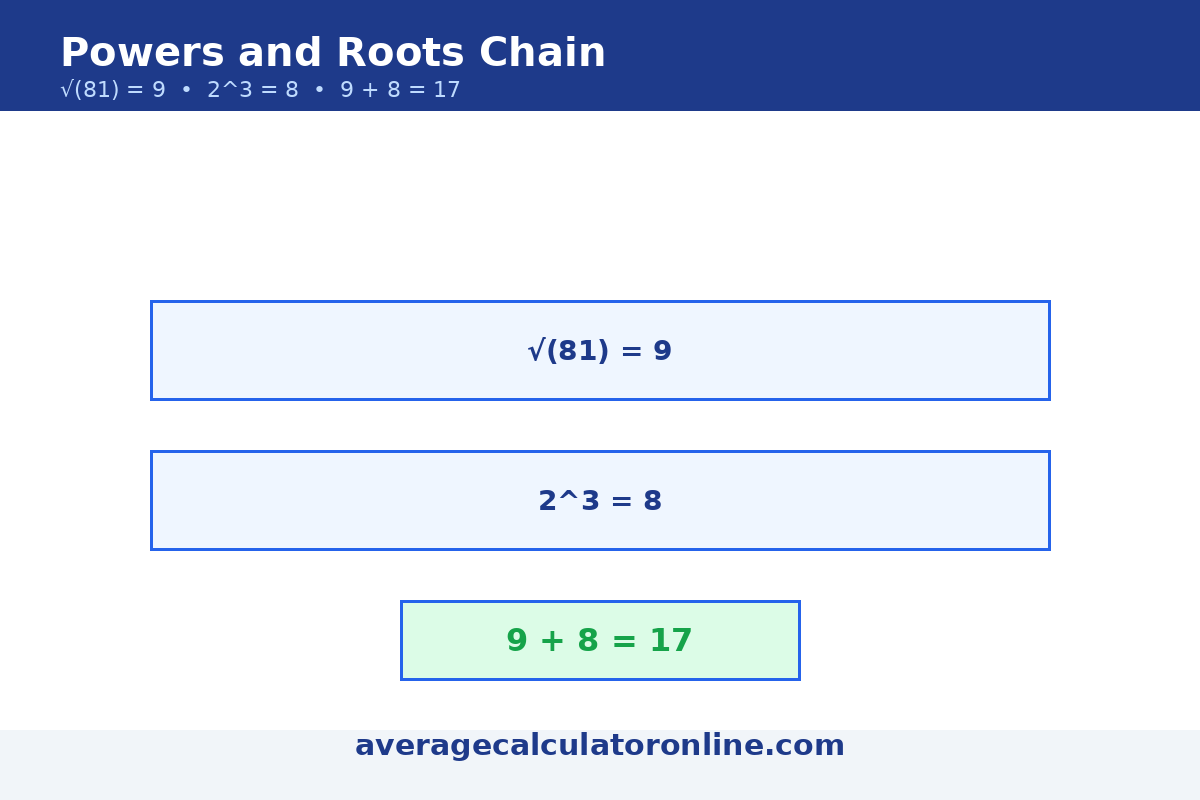
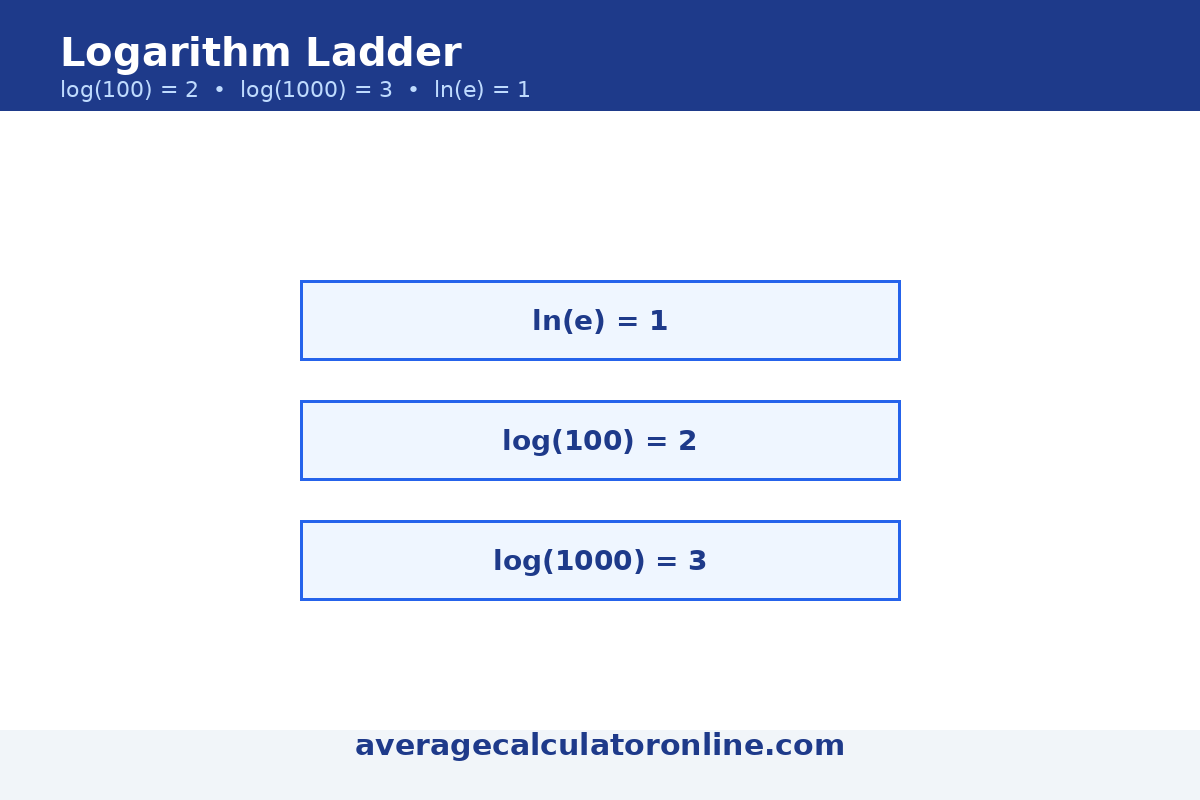
Powers and roots are two sides of one coin: 2^3 = 8 is a power, while √(81) = 9 undoes squaring. The calculator also evaluates powers instantly — √(81) + 2^3 = 9 + 8 = 17. A logarithm answers “how many times must I multiply the base by itself?”: log(1000) = 3 because 10 × 10 × 10 = 1000, and ln(e^2) = 2. Watch the difference: log is base 10, ln is base e (≈ 2.718).
4. Plotting Functions: Seeing the Math
A function graph turns algebra into a picture. On our companion graphing calculator you can plot y = x^2, y = sin(x) or y = log(x) and read off roots (where the curve crosses zero), intercepts and turning points. The same ideas power the scientific calculator: √(81) + 2^3 = 9 + 8 = 17.
Mistakes to Avoid With Scientific Functions
- Mixing degrees and radians — tap the DEG key to switch modes: in degrees sin(30) = 0.5; in radians sin(0.524) ≈ 0.5.
- Confusing log and ln — log(100) = 2 (base 10), but ln(100) ≈ 4.605 (base e).
- Ignoring order of operations — 2 + 3 × 4 = 14, not 20; parentheses first.
- Reading a skewed mean as typical — one outlier drags the mean; check the median too.
Last updated: November 1, 2026.