Time Calculator
Duration: enter a start time and an end time.
Duration: 8 hours 30 minutes (510 minutes)
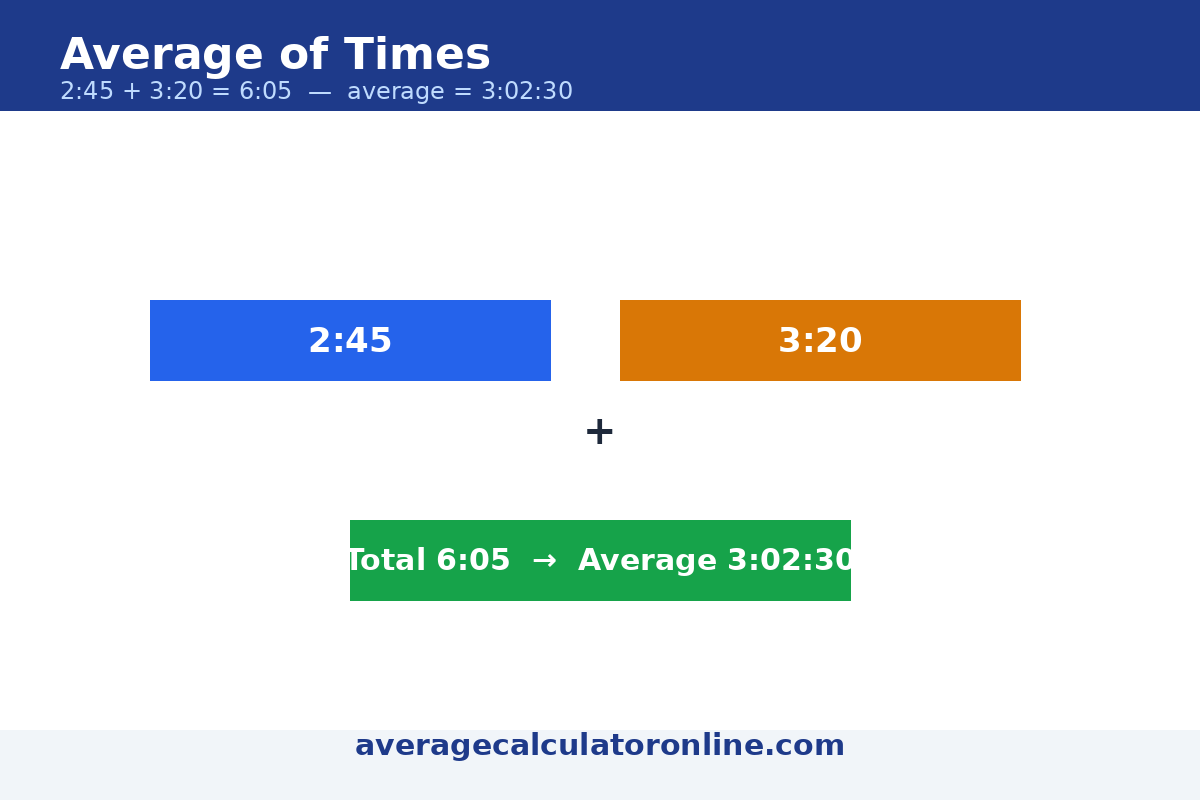
Add times: 2 hours 45 minutes + 3 hours 20 minutes.
2:45 + 3:20 = 6 hours 5 minutes
Subtract times: enter two times; the result is Time 1 minus Time 2.
10:30 – 08:15 = 2:15
Average of times: enter one time per line (h:mm or h:mm:ss), then choose how to average them.
Average of 4 durations: 1:52:30
(6750 seconds)
Steps: sum = 27000 seconds; 27000 ÷ 4 = 6750.0 seconds = 1:52:30.
Direct answer
A duration is the end time minus the start time. If the end time is earlier than the start time, the calculation crosses midnight, so 24 hours are added. Adding times works by adding hours and minutes separately and carrying 60 minutes into 1 hour.
Worked examples
Example 1: From 9:00 AM to 5:30 PM. 17:30 − 9:00 = 8 hours 30 minutes (510 minutes).
Example 2: 2 hours 45 minutes + 3 hours 20 minutes = 5 hours 65 minutes = 6 hours 5 minutes (65 minutes carries 1 hour).
What to watch out for
Overnight shifts need care: 10:00 PM to 6:00 AM is 8 hours, not a negative number. This calculator adds 24 hours when the end time is earlier than the start time.
Average of times
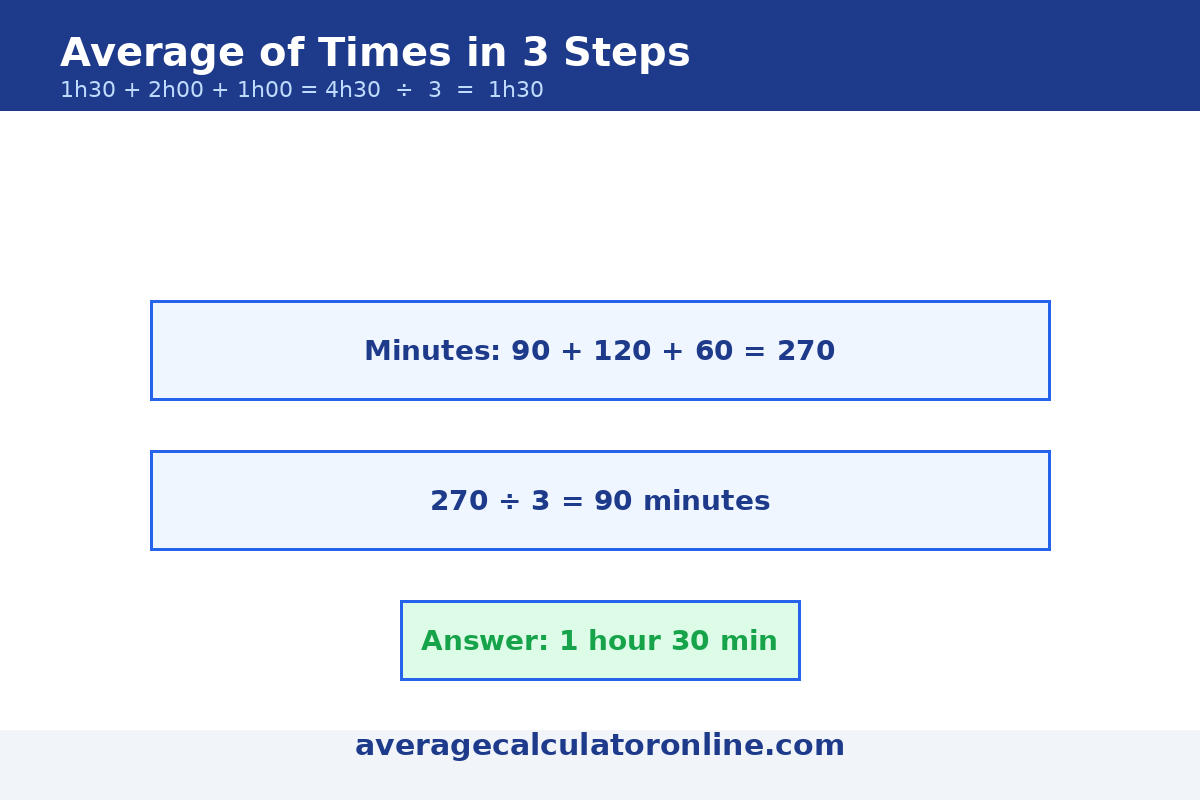
Direct answer: To average durations, convert every time to seconds, add them up, divide by how many there are, then convert the result back to h:mm:ss.
Worked example: Four durations add up to 450 minutes. 450 ÷ 4 = 112.5 minutes, which is about 1 hour 53 minutes.
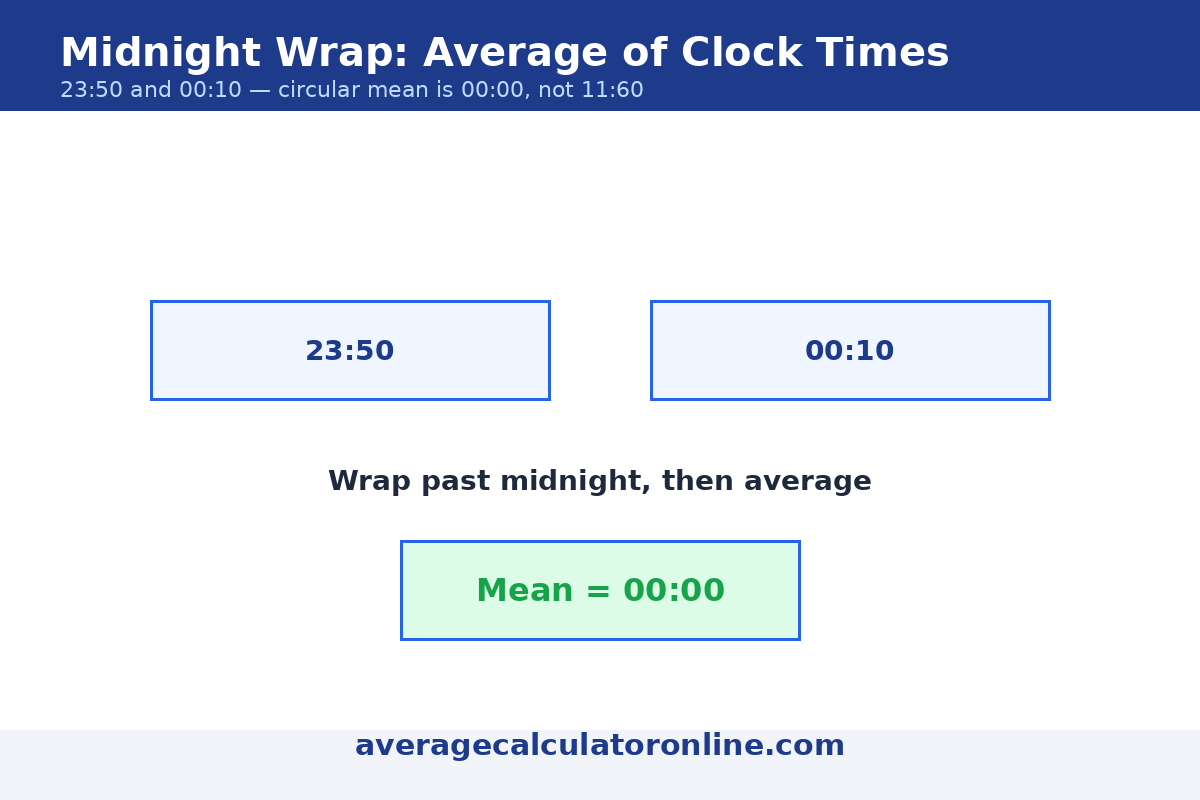
Clock-time midnight rule: Never average clock times like ordinary numbers. The straight average of 23:50 and 00:10 is 12:00 — which is wrong. Those two times are 20 minutes apart across midnight, so their circular mean is 00:00. Handle times near midnight by unwrapping them onto a continuous timeline first (treat 00:10 as 24:10), then average.
Weighted times: When some durations matter more than others, multiply each duration by its weight, add those products, and divide by the total weight — the same idea as a weighted average of percentages.
Try it in the Average of times tool above: enter your times one per line, pick Durations for a straight average or Clock times for the midnight-aware circular mean.
FAQs
How do you calculate the duration between two times?
Subtract the start time from the end time; if the result is negative, add 24 hours for an overnight span.
How do you add hours and minutes?
Add the minutes first; every 60 minutes becomes 1 hour, then add the hours.
Can this calculator handle overnight times?
Yes. An end time earlier than the start time is treated as the next day.
How many minutes are in 8 hours 30 minutes?
8 × 60 + 30 = 510 minutes.
Why is the average of 23:50 and 00:10 not 12:00?
Clock times wrap around midnight, so they cannot be averaged like ordinary numbers. The two times are 20 minutes apart across midnight, and their circular mean is 00:00. To average them, unwrap the timeline by treating 00:10 as 24:10: (23:50 + 24:10) ÷ 2 = 24:00, which is 00:00.
How do I average times written in mixed formats?
Convert every value to the same unit first — for example, turn 1 hour 30 minutes into 90 minutes — then add them up and divide by the count.
How do I convert seconds back to h:mm:ss?
Divide the total seconds by 3600 and keep the whole hours; divide the remainder by 60 for the minutes; what is left is the seconds. For example, 6750 seconds = 1 hour, 52 minutes, 30 seconds.
Related calculators: Age Calculator · Percentage Calculator · Scientific Calculator
How to Calculate the Average of Times: A Deep Dive
If you have ever reached for an average calculator time tool, you have met the same puzzle: averaging times is not like averaging ordinary numbers. Times come in two flavors — durations (how long something lasts) and clock times (a point on the dial) — and each flavor needs its own kind of mean. Get the mode wrong and your answer can be off by twelve hours.
Two Modes: Duration Mode and Clock-Time (Circular) Mode
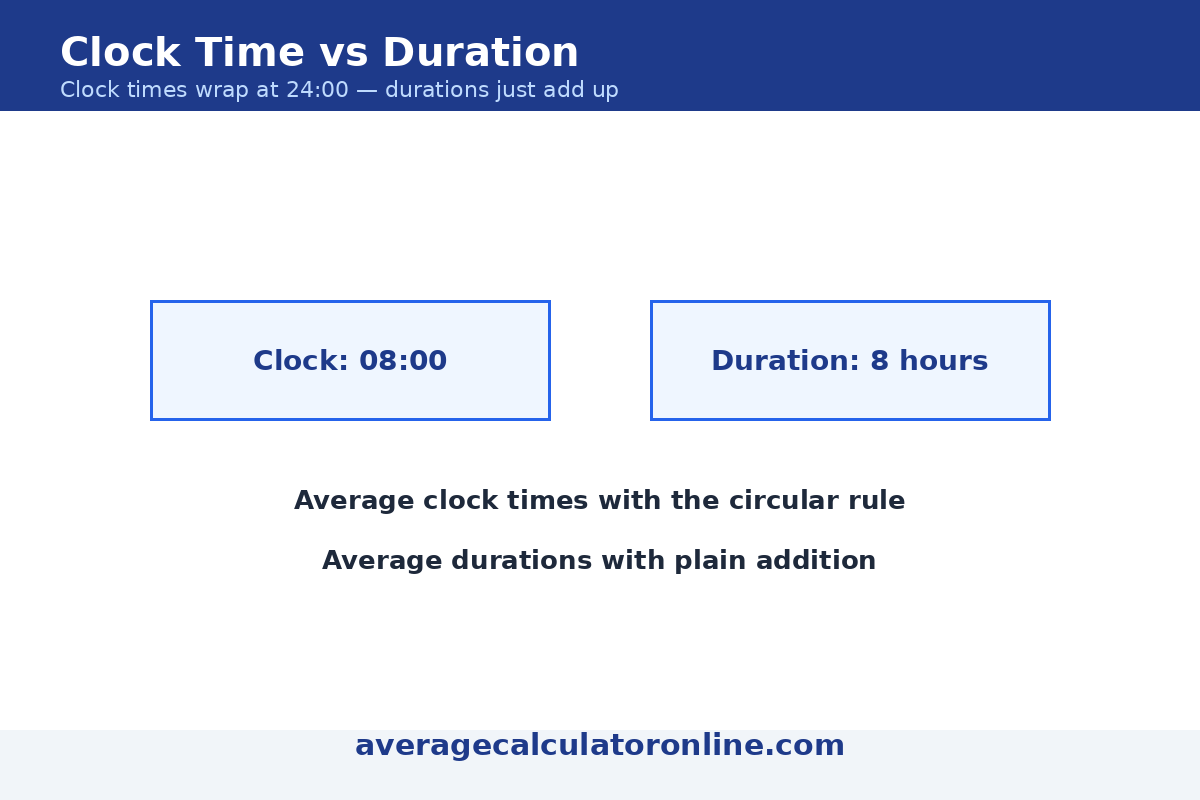
Duration mode treats each time as a length on a straight line. Eight hours is twice as long as four hours, and the ordinary mean works as usual.
Clock-time (circular) mode treats each time as a point on a 24-hour circle. On that circle, 23:50 and 00:10 sit only 20 minutes apart, so the circular mean is the right tool.
Timelines Keep Durations Honest
Drawing durations as bars on one timeline makes clock arithmetic visual: you can see at a glance how each duration compares, and the mean is the average bar length.
Excel Formulas for Averaging Times
In Excel or Google Sheets, times are stored as fractions of a day, so the built-in AVERAGE function already averages durations correctly — as long as every entry is a real time value:
=AVERAGE(A1:A4)— the mean of the durations in A1:A4. Format the result as[h]:mmso totals over 24 hours display properly.=TEXT(AVERAGE(A1:A4),"h:mm")— the average shown directly as hours:minutes.=AVERAGEIF(B1:B4,">0",A1:A4)— the average while ignoring blank or zero entries.
For clock times that cross midnight, shift the early-morning times forward first:
- Helper-column route:
=IF(A1<0.5,A1+1,A1)adds a full day to AM times, then=MOD(AVERAGE(helpers),1)wraps the mean back onto the 24-hour dial. - Single-formula route (array formula):
=MOD(ATAN2(SUM(COS(2*PI()*A1:A4)),SUM(SIN(2*PI()*A1:A4)))/(2*PI()),1)is the true circular mean: it turns each time into an angle on the 24-hour circle, averages the directions, and converts the result back to a time. For 23:50 and 00:10 it returns 00:00. (In older Excel, confirm with Ctrl+Shift+Enter; in Google Sheets, wrap each range in ARRAYFORMULA.)
Common Mistakes to Avoid
- Averaging the hours and the minutes as separate columns — 1:50 and 2:10 do not average to 1:30.
- Formatting an Excel average over 24 hours as
h:mminstead of[h]:mm, which silently hides whole days.
Last updated: November 1, 2026.