
Weighted average = sum of (value × weight) ÷ sum of weights.
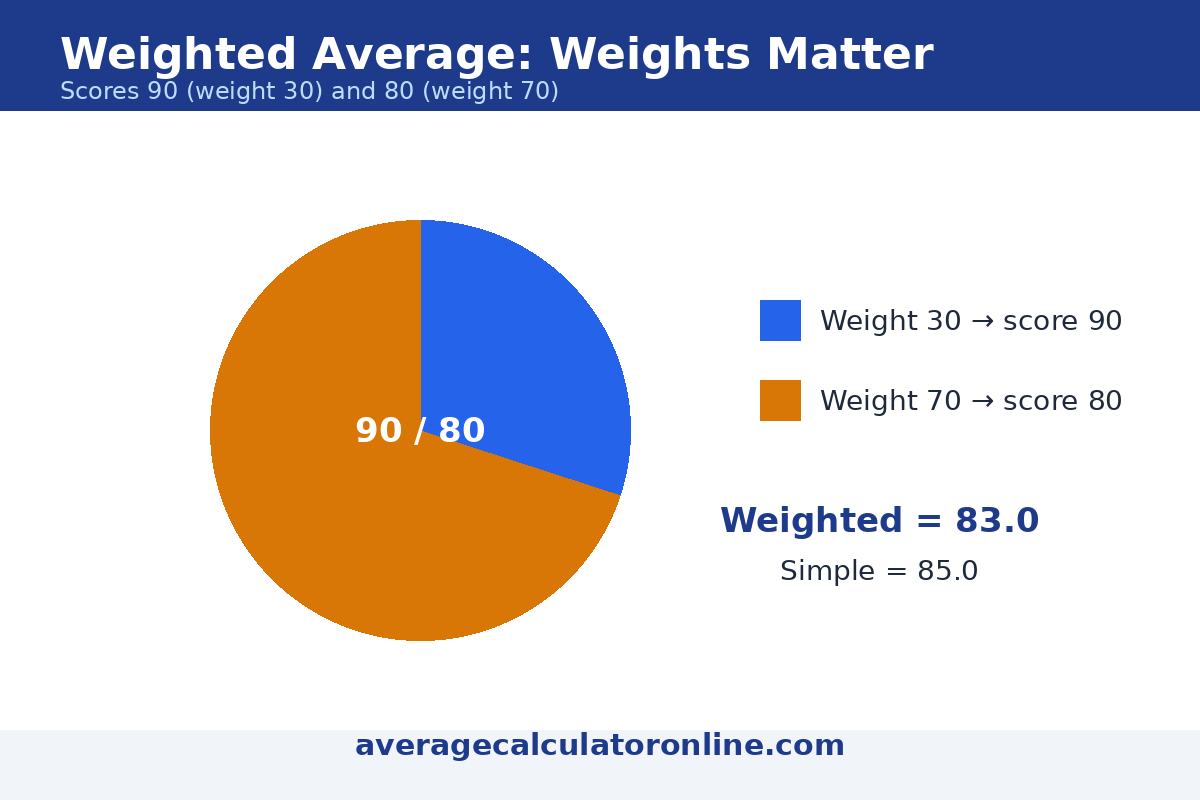
Example: a grade of 90 with weight 30 and a grade of 80 with weight 70 gives (90×30 + 80×70) ÷ 100 = 83.0. Weights do not have to add up to 100.
Weighted Average Calculator
Weighted average: 83.0
Sum of weights: 100
How to calculate a weighted average
- Multiply each value by its weight.
- Add all those products together.
- Divide by the sum of the weights.
Worked examples
1. Grades: 90 (weight 30) and 80 (weight 70)
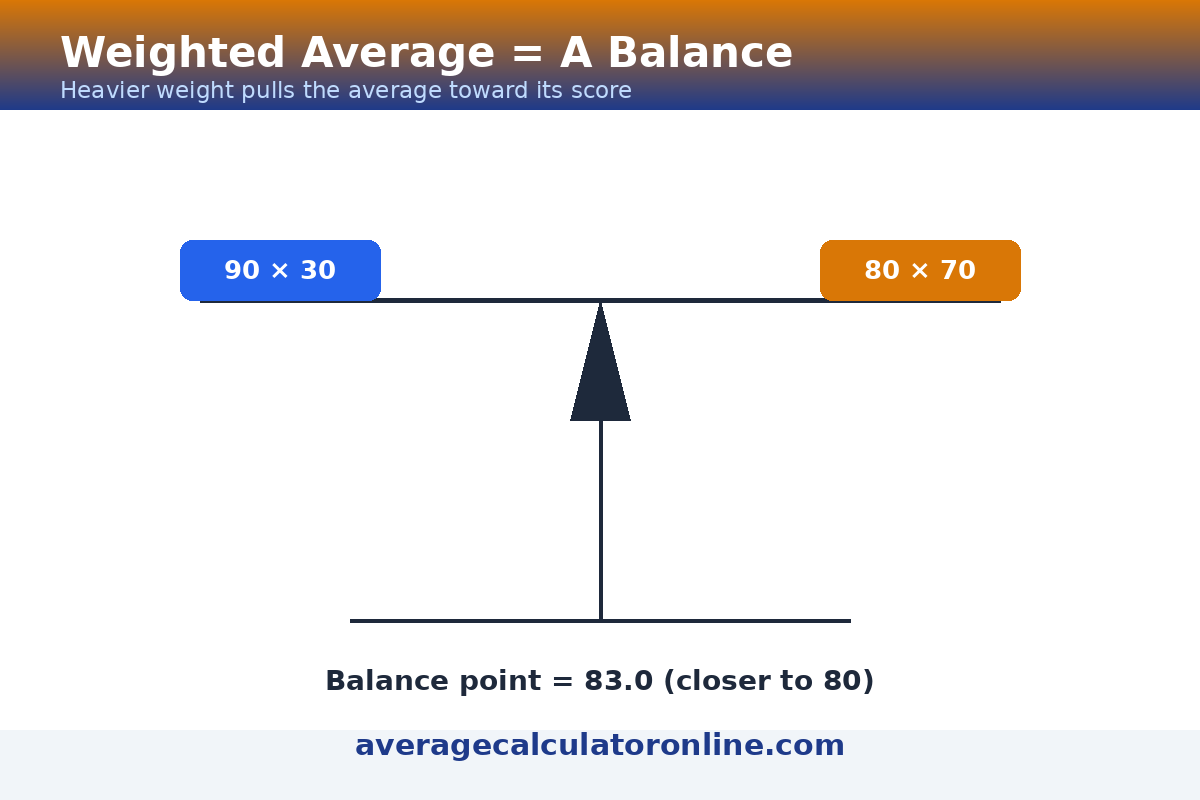
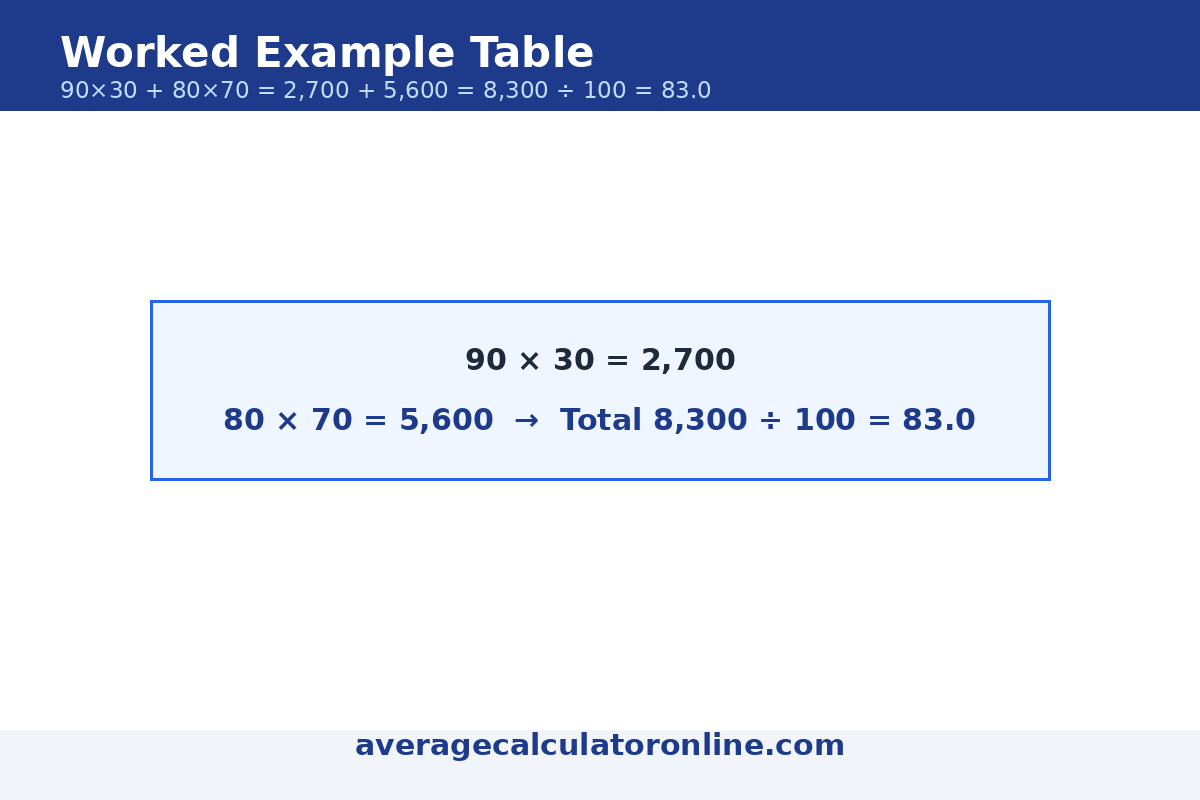
(90 × 30 + 80 × 70) ÷ 100 = 8,300 ÷ 100 = 83.0. The 80 counts more because its weight is bigger — a simple average would wrongly give 85.

2. Percentages: 85 (20%) and 92 (80%)
(85 × 20 + 92 × 80) ÷ 100 = 9,060 ÷ 100 = 90.6.
3. The percentages trap: 85% on 20 questions and 90% on 100 questions
Do not average 85 and 90 to get 87.5. Weight by the number of questions: (85 × 20 + 90 × 100) ÷ 120 = 10,700 ÷ 120 = 89.17.
4. Portfolio returns: $5,000 at 12%, $3,000 at 8%, $2,000 at −2%
(5,000 × 12 + 3,000 × 8 + 2,000 × −2) ÷ 10,000 = 80,000 ÷ 10,000 = 8.0%.

5. Ratings: 4 stars (weight 40) and 5 stars (weight 60)
(4 × 40 + 5 × 60) ÷ 100 = 460 ÷ 100 = 4.6.
When a weighted average beats a simple average
Use a weighted average whenever some values matter more than others: final exams count more than homework, larger investments move a portfolio more than small ones, and survey answers from bigger groups deserve bigger weights. When all weights are equal, the weighted average is exactly the simple average — that is a useful check on your result.

Warning: a weighted average hides the spread. Two students can both average 83 with very different marks. Always look at the individual values alongside the average.
Weighted average in Excel, Google Sheets and Python
| Tool | Formula |
|---|---|
| Excel / Google Sheets | =SUMPRODUCT(values, weights) / SUM(weights) |
| Python | sum(v*w for v, w in pairs) / sum(w for v, w in pairs) |
Frequently asked questions
Can weights sum to 1 instead of 100?
Yes. Weights of 0.3 and 0.7 work exactly like 30 and 70: 90 × 0.3 + 80 × 0.7 = 83.0. Only the proportions matter.
Do weights have to add up to 100?
No. The formula divides by the sum of the weights, so weights of 2, 3 and 5 work fine: (88 × 2 + 92 × 3 + 75 × 5) ÷ 10 = 82.7.
What is the difference between a weighted and a simple average?
A simple average treats every value equally. A weighted average gives some values more influence, which is correct when they matter more — like a final exam versus homework.
How do teachers weight grades?
Typically by category: for example homework 20%, midterm 30% and final 50%. Enter each category score with its percentage weight in the calculator above.
Can a weight be negative?
In ordinary use, no — weights represent importance or size and are positive. Negative values (like a losing investment) are fine; negative weights usually mean a data-entry mistake, so the calculator flags them.
What is the weighted average formula in Excel?
=SUMPRODUCT(values, weights) / SUM(weights) — for example, with values in A1:A3 and weights in B1:B3: =SUMPRODUCT(A1:A3, B1:B3) / SUM(B1:B3).
What is a weighted average?
A weighted average is an average in which each value counts in proportion to its weight: values with larger weights pull the result more strongly toward themselves. The formula is (value × weight + …) ÷ total weight. Use it whenever some items matter more than others — grades, investment returns, or product ratings.
How do I use this weighted average calculator?
Enter each value with its weight, add rows as needed, then press Calculate. Worked example: a grade of 90 with weight 30 and a grade of 80 with weight 70. (90×30 + 80×70) ÷ 100 = (2,700 + 5,600) ÷ 100 = 83.0. The calculator also shows every multiplication step, so you can check the math.
Related calculators
Weighted vs Simple Average: A Deep Comparison
A weighted average calculator and a simple average calculator can give very different answers from the same numbers. The simple average (the mean) treats every value equally; the weighted average gives each value influence in proportion to its weight. Whenever some values matter more than others — a final exam vs a quiz, a large investment vs a small one — the weighted average is the honest number.
| Aspect | Simple average (mean) | Weighted average |
|---|---|---|
| Formula | Sum of values ÷ count | Sum of (value × weight) ÷ sum of weights |
| Each value counts | Equally | In proportion to its weight |
| Same result when | — | All weights are equal |
| Example: 90 (w 30), 80 (w 70) | (90 + 80) ÷ 2 = 85.0 | (90×30 + 80×70) ÷ 100 = 83.0 |
| Use it when | Every value matters equally | Values have different importance or size |
Where does the median fit in? In the mean vs median debate, the median is a third kind of average: it ignores both weights and extremes, reporting only the middle value. A weighted grade calculator cannot produce a median — medians do not take weights. So the practical rule is: use the weighted average when importance differs, the simple mean when everything counts equally, and the median when outliers would distort the mean.
Real-Life Examples: Grades and Portfolio
Grades. A course grades homework at 20%, the midterm at 30% and the final at 50%. A student scores 95 on homework, 82 on the midterm and 88 on the final. The weighted grade calculator gives (95×20 + 82×30 + 88×50) ÷ 100 = (1,900 + 2,460 + 4,400) ÷ 100 = 87.6 — a B. Note how the final exam alone contributes 44 of the 87.6 points: with heavy weights, one category can decide the whole grade.
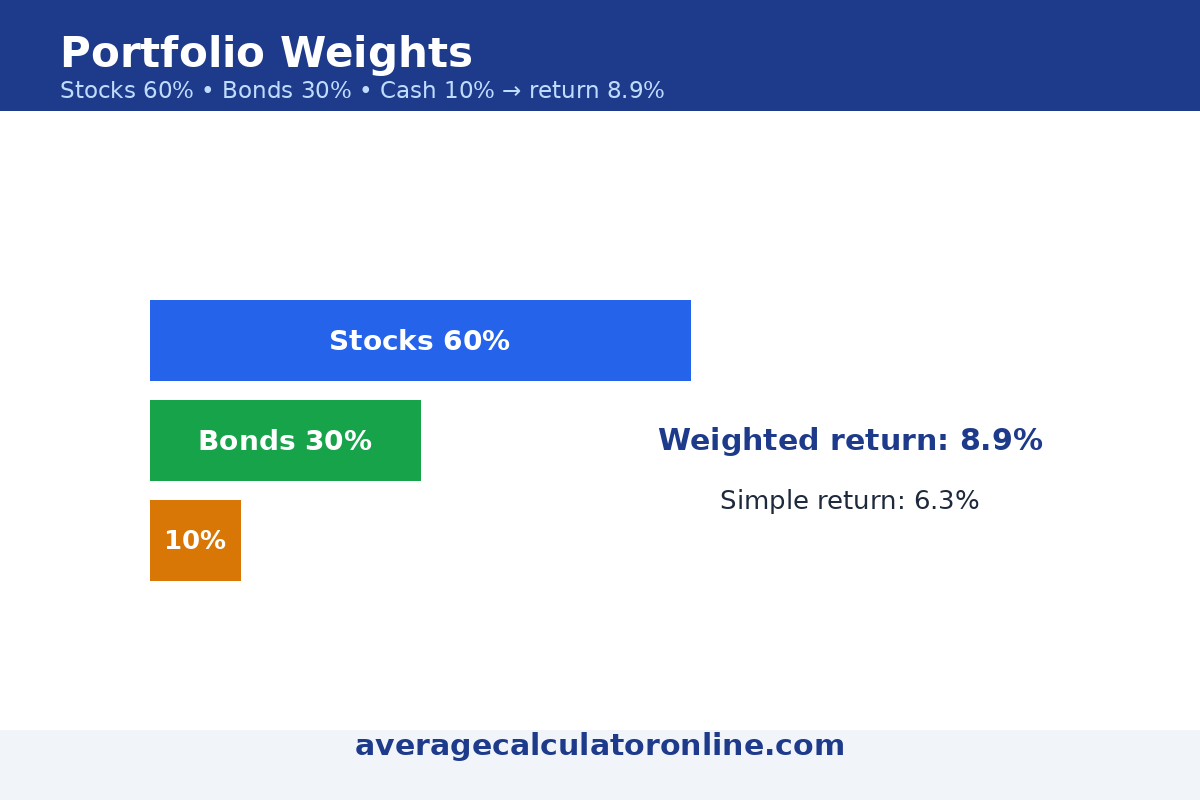
Portfolio. An investor holds 60% stocks (return 12%), 30% bonds (return 5%) and 10% cash (return 2%). The weighted portfolio return is 0.60×12 + 0.30×5 + 0.10×2 = 7.2 + 1.5 + 0.2 = 8.9%. A simple average of the three returns (12 + 5 + 2) ÷ 3 = 6.3% would understate the result, because it ignores that most of the money sits in stocks.
Try these numbers in the average calculator weighted tool above — it shows each multiplication step so you can check the math by hand.
Last updated: November 1, 2026.